
ProofPilot
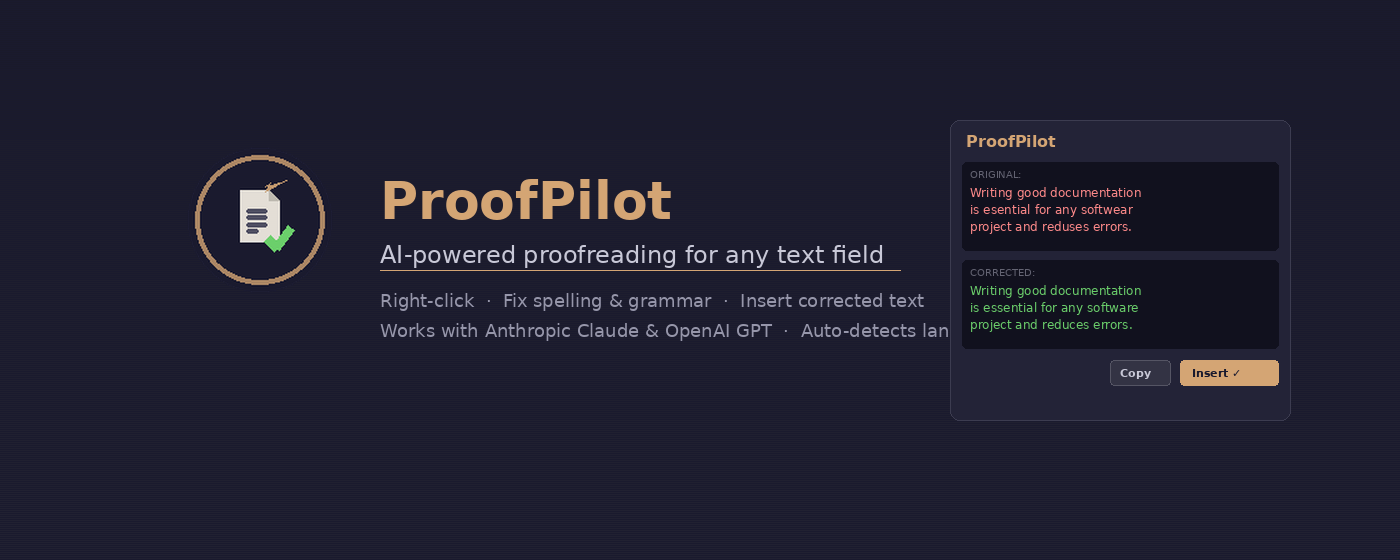
AI-powered proofreading — right in your browser. Select text, right-click, done.
Install from Chrome Web StoreWhat is ProofPilot?
ProofPilot is a Chrome extension that proofreads any selected text on any webpage using AI. It connects directly to Claude (Anthropic) or GPT (OpenAI) via your own API key — no middleman servers, no data collection, no subscriptions.
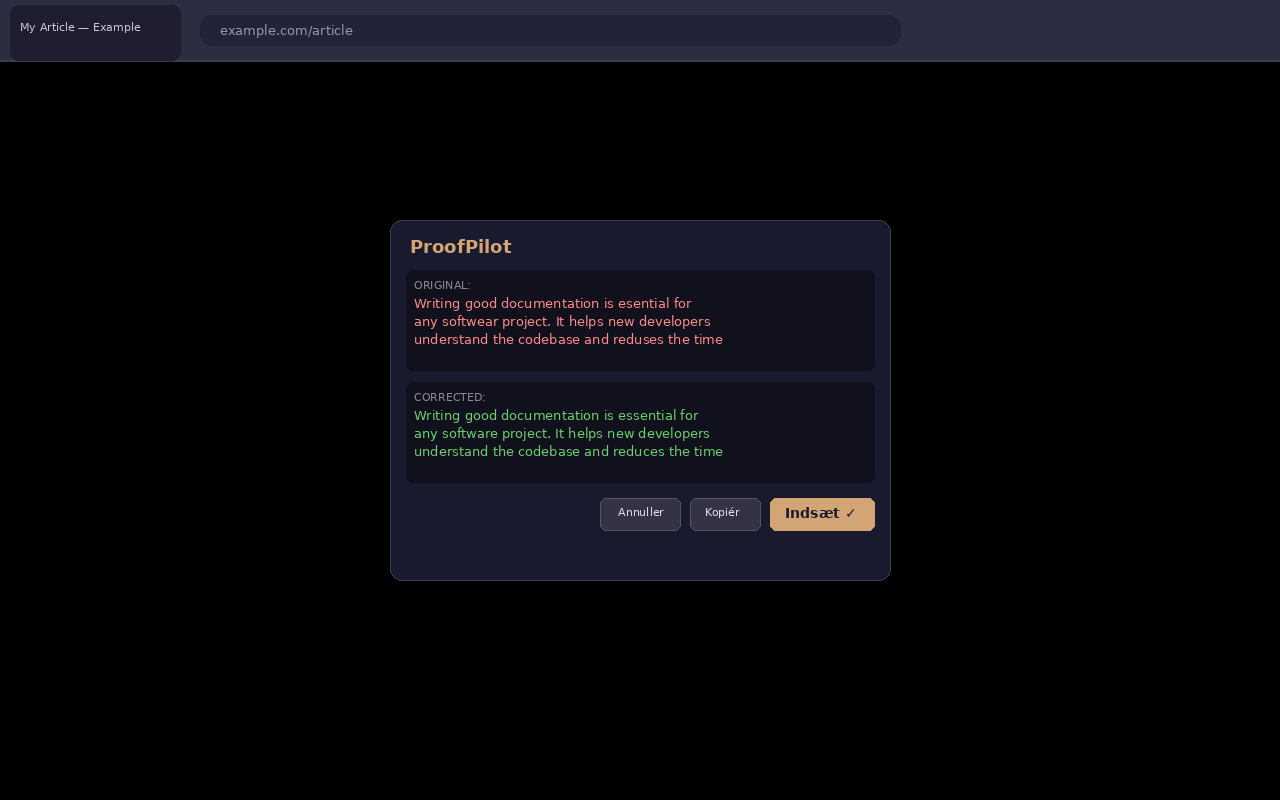
Simply highlight text, right-click, and get an instant corrected version displayed in a clean overlay — ready to copy with one click.
How it works
- Select text — highlight the text you want proofread on any webpage.
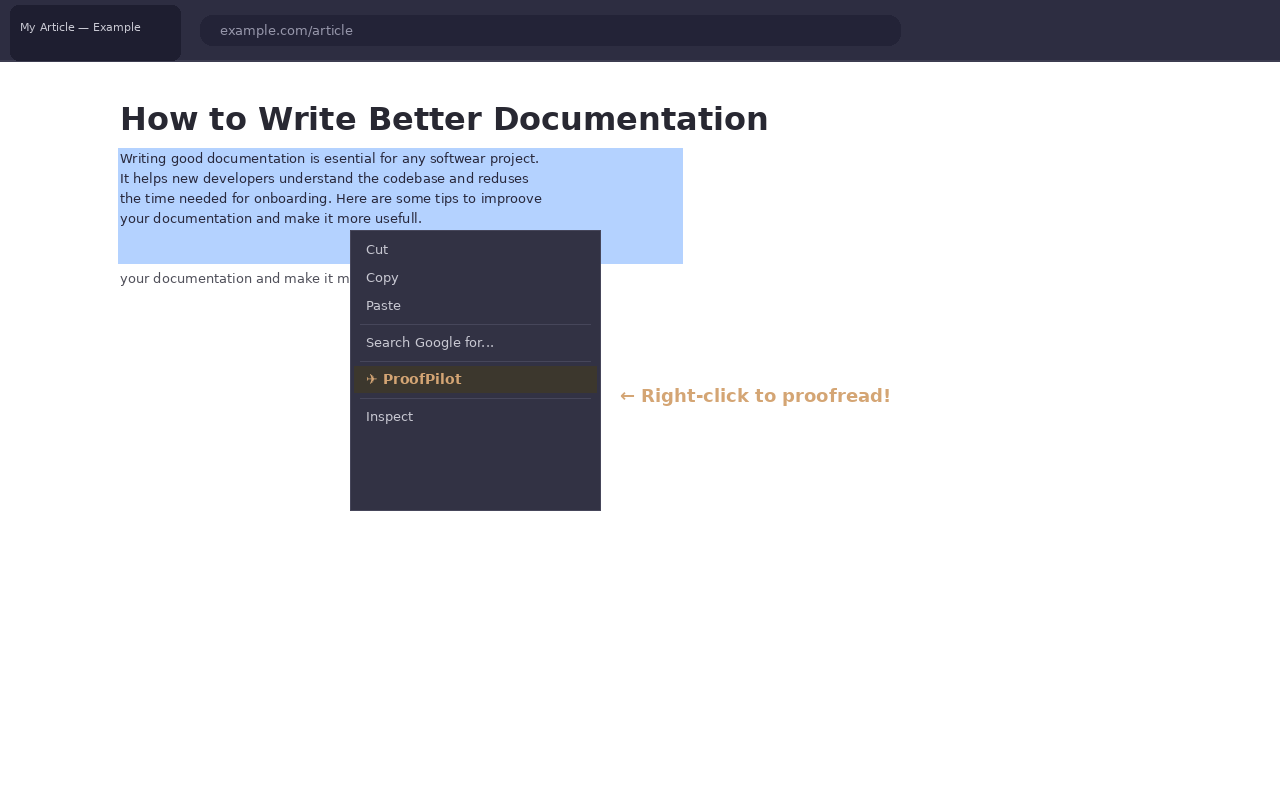
- Right-click → ProofPilot — choose "ProofPilot" from the context menu to send the text for correction.
- Review & copy — a correction overlay appears with the improved text. Click to copy it to your clipboard.
In action
Features
Claude & GPT
Choose between Anthropic's Claude or OpenAI's GPT models — use whichever fits your workflow.
Auto language detection
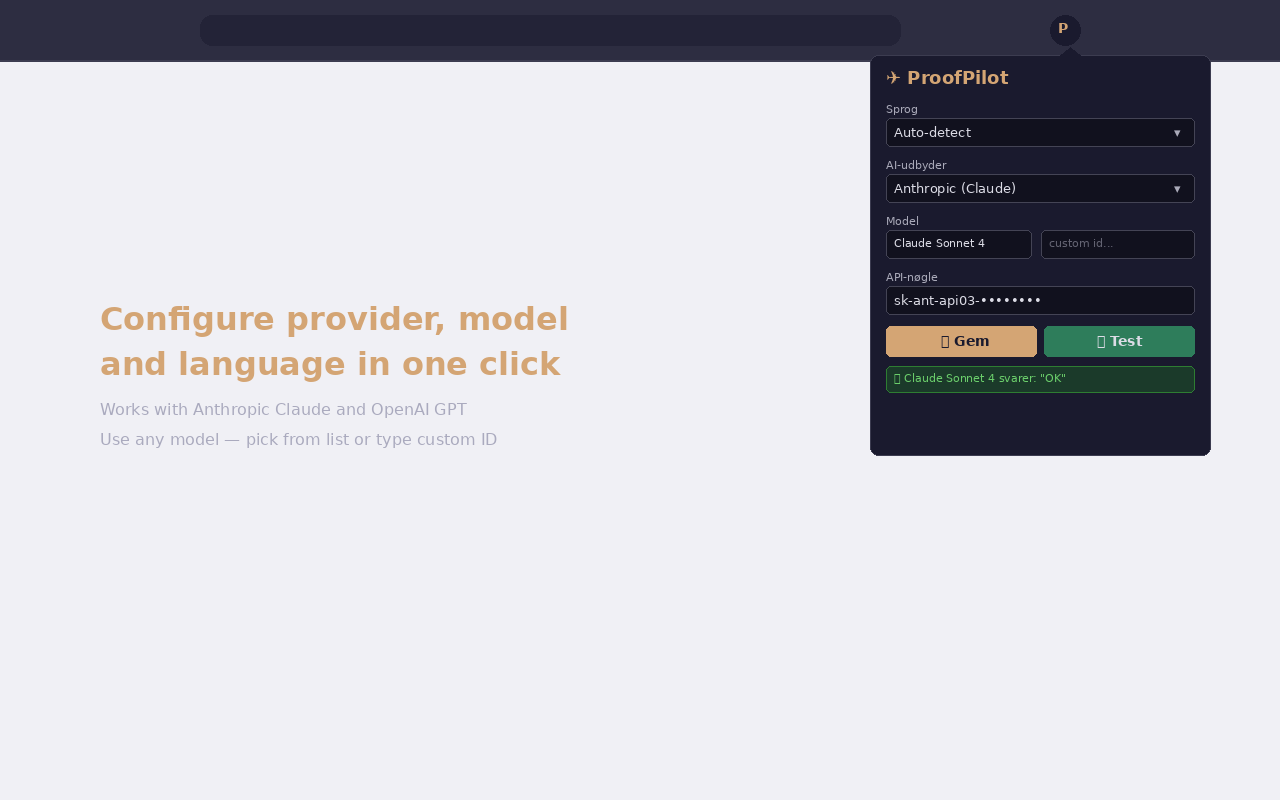
ProofPilot automatically detects the language of your text, or you can set a preferred language manually.
Your own API key
Uses your personal API key — no subscription, no third-party relay. You control cost and access.
Custom model selection
Pick the exact model you want (e.g. claude-sonnet-4-20250514, gpt-4o) from the settings popup.
One-click copy
Corrected text is shown in a clean overlay. Click it to copy the result to your clipboard instantly.
Zero data collection
No servers, no analytics, no tracking. Text goes directly from your browser to the AI provider's API.
Supported models
ProofPilot ships with these models pre-configured, and you can enter any model ID manually:
- claude-sonnet-4-20250514
- claude-haiku-4-5-20251001
- claude-3-5-sonnet-20241022
- claude-3-5-haiku-20241022
- gpt-4o
- gpt-4o-mini
- gpt-4-turbo
- gpt-3.5-turbo
Settings